

How can I download new airports on my EFB device?
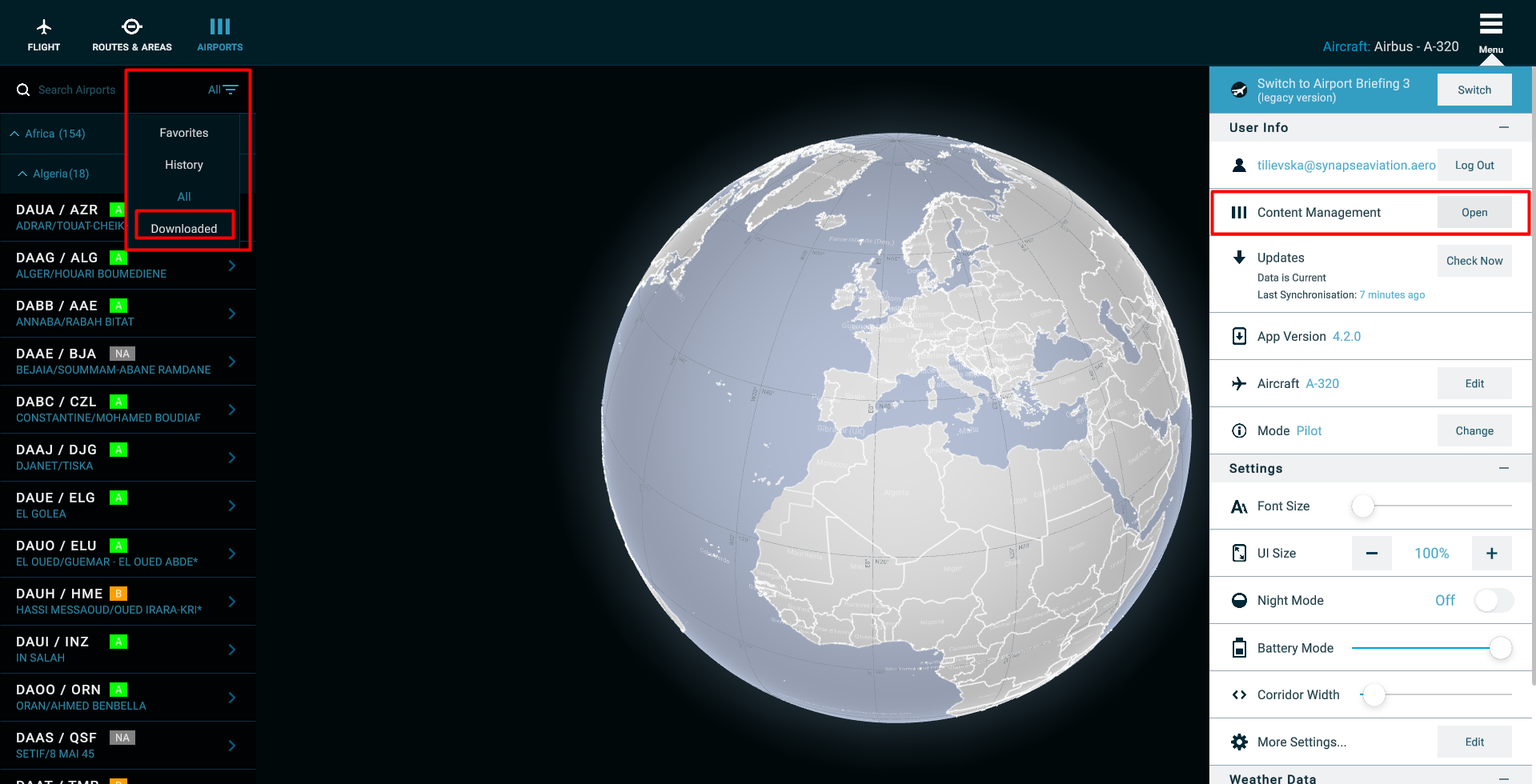
All available airports can be downloaded from the Home page Menu – Content Management. Select the checkboxes for the airports you wish to download. Select Save on the bottom right. After downloading all these airports will be visible in the download section under the Airports tab.
 Karolina Maksimovska