

How to create a briefing layout?
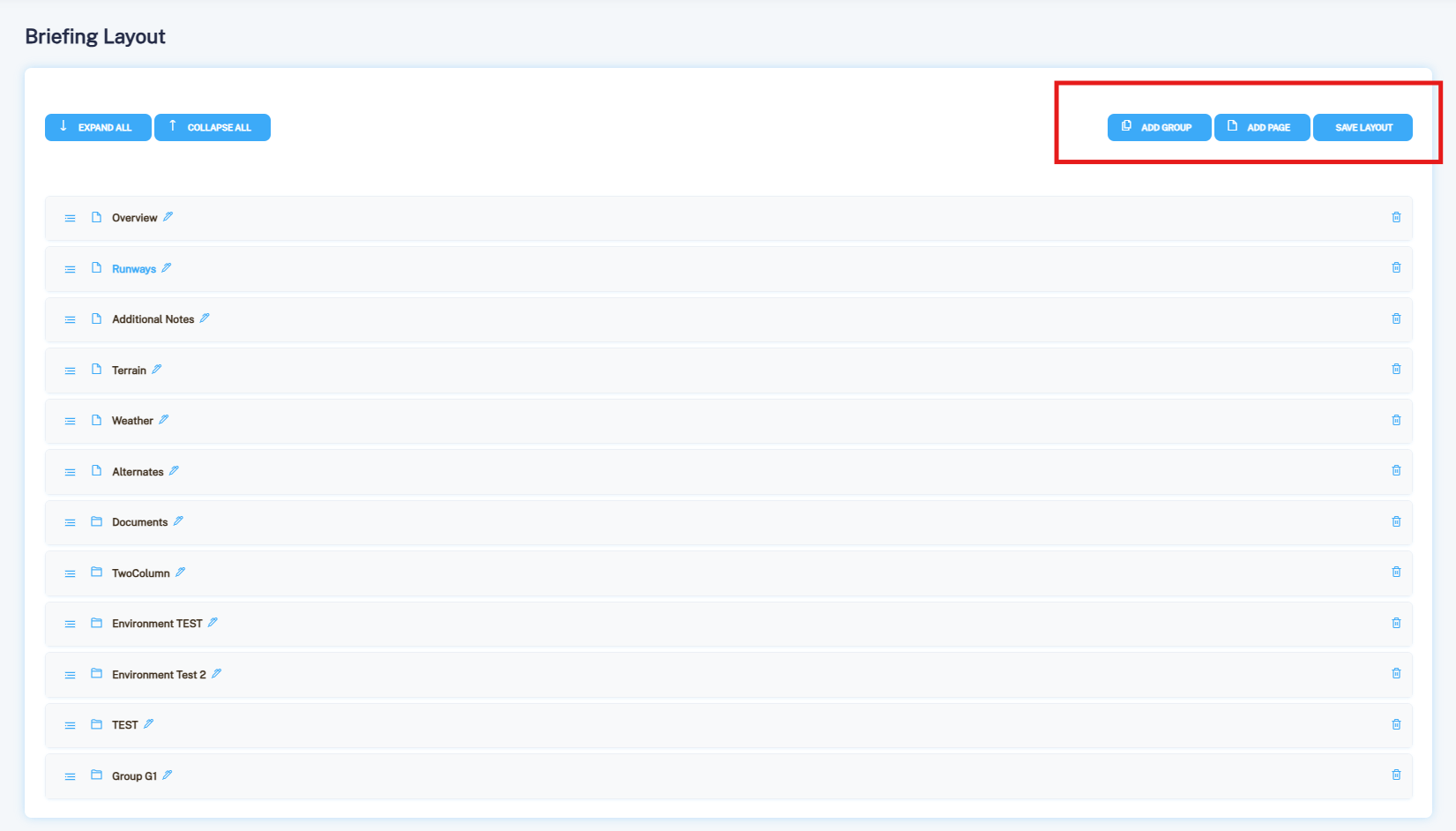
In the left‑side menu, open Airport Settings and select Briefing Layout. Here you can create Groups, Pages, and Sections as needed. Once you finish configuring the layout, click Save Layout.
In the left‑side menu, open Airport Settings and select Briefing Layout. Here you can create Groups, Pages, and Sections as needed. Once you finish configuring the layout, click Save Layout.
Send us a short message and our team will be happy to contact you back with available date/time slot for a demonstration of the main features and benefits of the product. We will be looking forward to your queries!
Request A Demo