
How to create content in the Admin Panel?
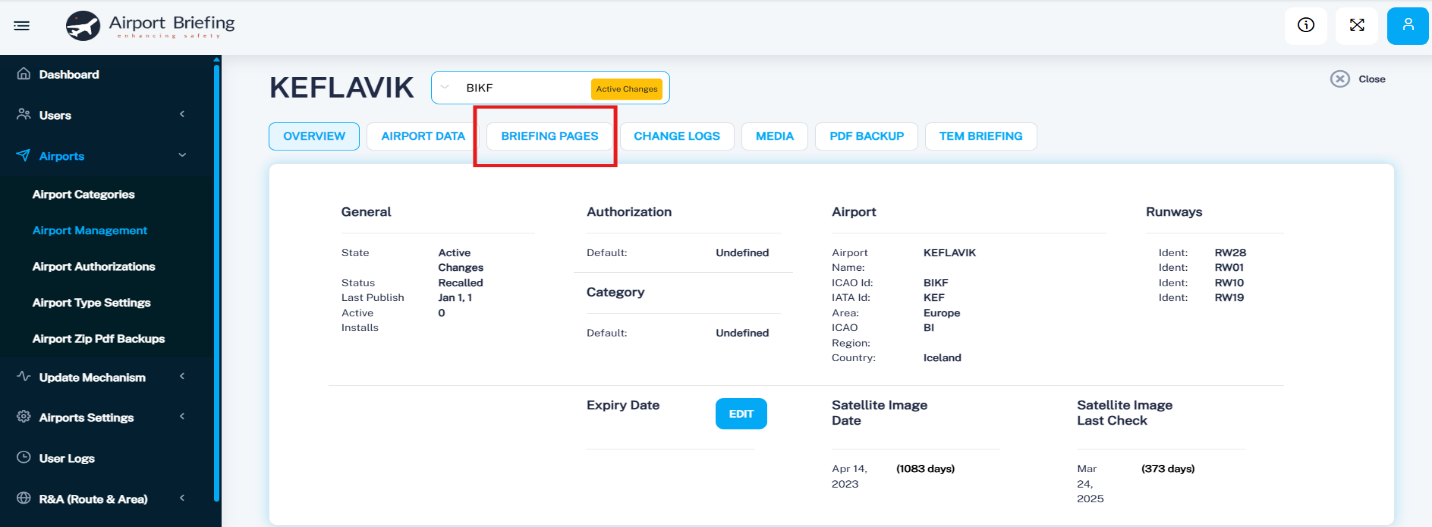
In the left-side menu, navigate to Airports ->Airport Management. Use the search box to find the desired airport.

Click on the airport, then open the Briefing Pages tab.
Next, choose the appropriate section (previously created in the Briefing Layout) and click Add New. You can now begin entering text (or copy/paste content), create tables, and upload images.